
Physical Controls
Physical controls give an action a fixed location, shape, movement, and tactile response. Those properties can make a frequent vehicle function easier to find and confirm without the precise visual targeting required by a flat touchscreen.
What counts as a physical control
A conventional button, rotary knob, rocker, toggle, wheel, or lever moves mechanically when operated. Its travel, resistance, detent, and click can identify both the control and the completed action.
A capacitive touch area is different. It may look like a button and produce a sound or vibration, but a finger does not necessarily feel a boundary or mechanical movement before activation. Haptic feedback can improve confirmation; it does not automatically make the target discoverable by touch.
Euro NCAP’s 2026 Safe Driving protocol makes a similar distinction. For its general-controls assessment, a direct physical input must provide mechanical movement and be locatable with little or no off-road gaze. The protocol separately defines direct touch and menu-based inputs. These are rating criteria, not a requirement that every vehicle use one control type. Euro NCAP — 2026 Safe Driving protocols
Control families and placement
The best location follows the task. A door control belongs near the window or mirror it operates. A demister or hazard control needs direct access. A rotary volume control benefits from repeatable adjustment. A mode used only while parked can sit deeper in a screen.
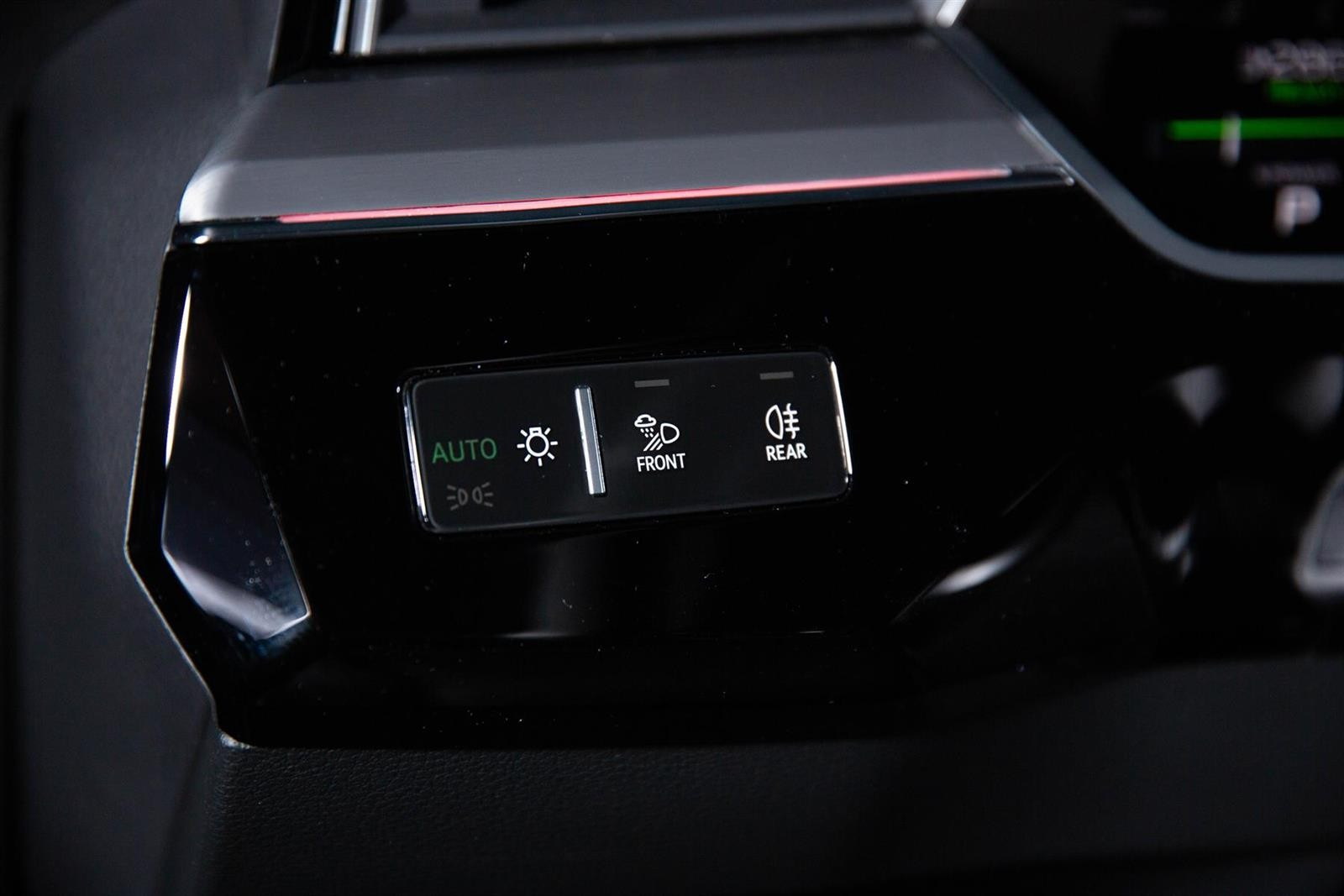
Instrument-panel controls often manage lighting, defrosting, cameras, parking functions, and shortcuts.
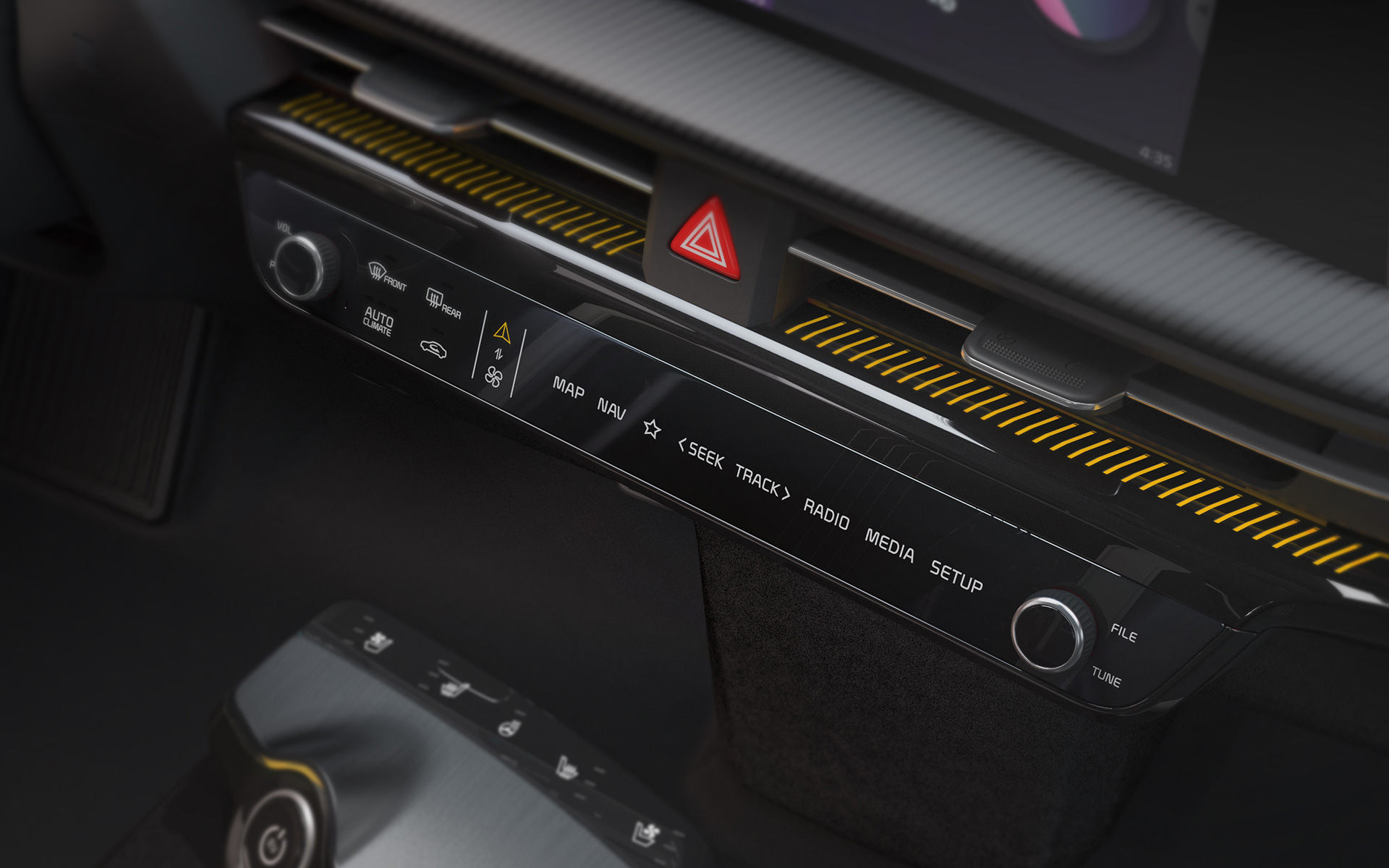
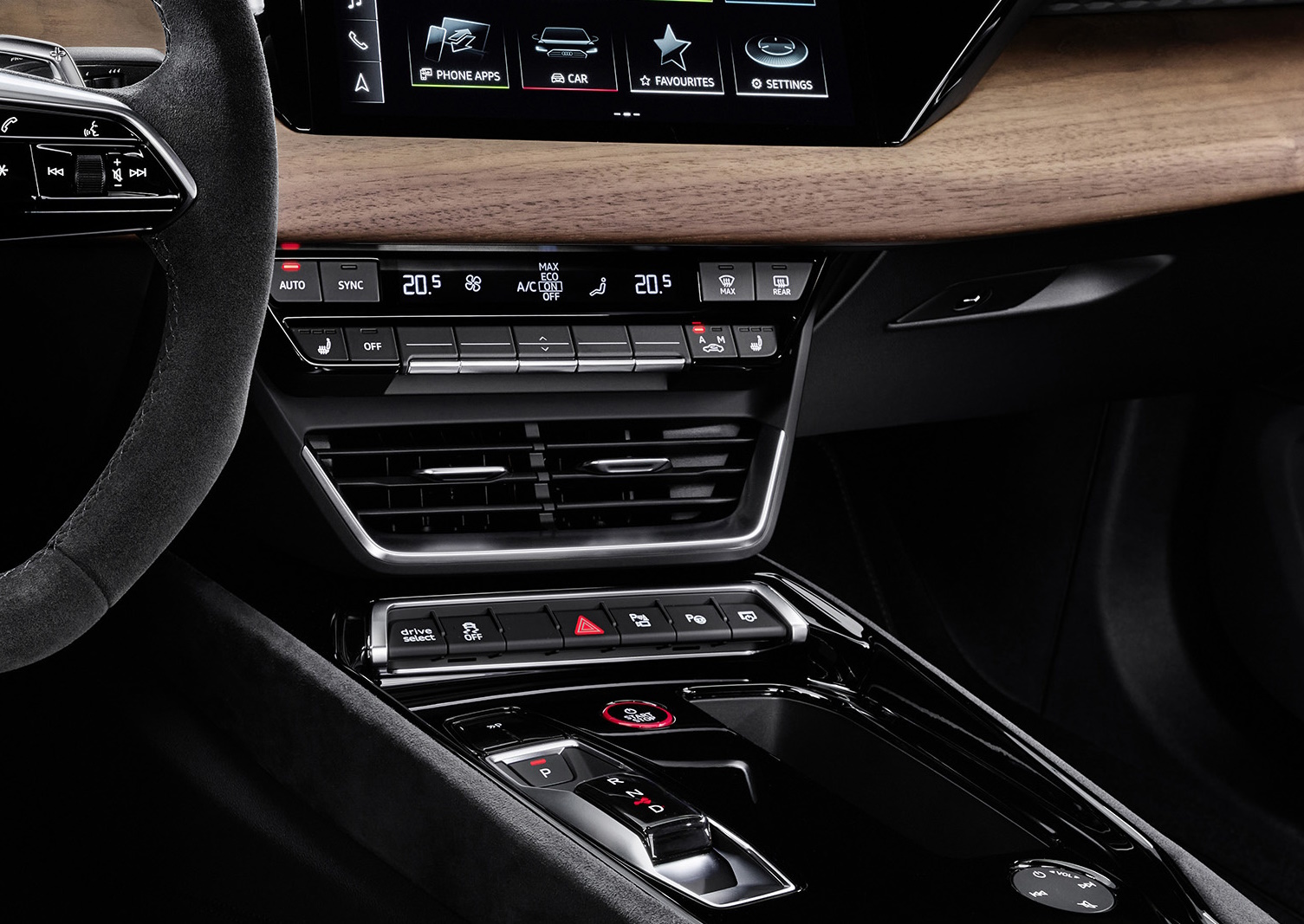
Centre-console controls may handle climate, audio, drive settings, seat functions, and parking.
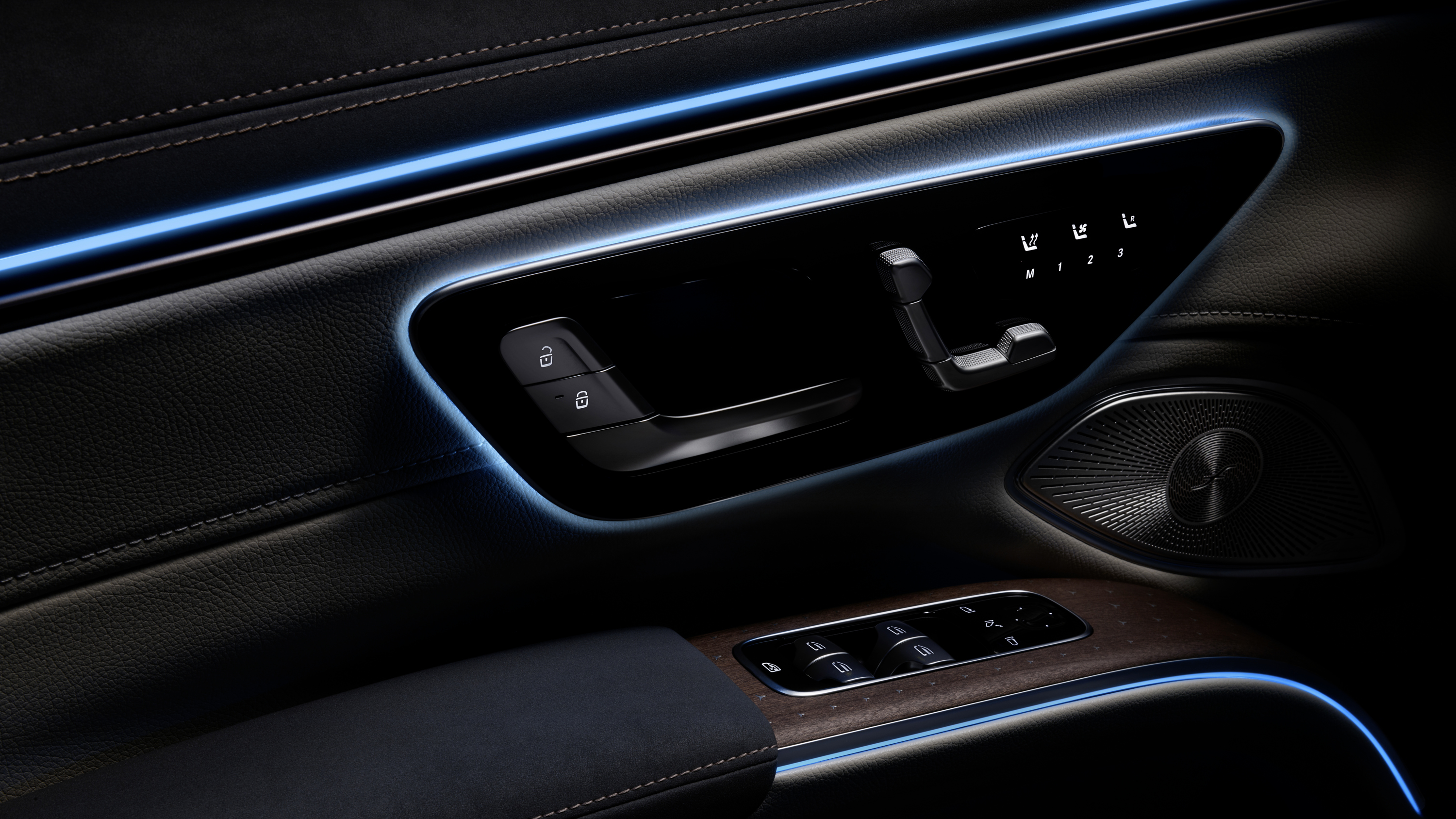
Door controls commonly operate windows, locking, child locks, seat memory, and mirrors.
Steering wheels and controls controls and Stalks and column controls occupy the limited reach zone around the driver’s hands. They work best when groups have distinct shapes and a stable mapping.
Identification and feedback
A control needs to be identifiable before it is operated. Shape, texture, spacing, orientation, and expected location can help. Backlighting and labels help at night, while standard symbols reduce dependence on language.
UN Regulation No. 121 covers the location and identification of vehicle hand controls, tell-tales, and indicators in markets applying the regulation. ISO 2575 specifies symbols and tell-tale colours intended to facilitate identification and use. Neither document turns every good control-layout decision into a universal rule, but together they explain why familiar symbols and visible status matter. UNECE — UN Regulation No. 121 on controls, tell-tales, and indicators ISO 2575:2021 — Symbols for controls, indicators, and tell-tales
Feedback should answer two separate questions:
- Did the control register the input?
- What state is the controlled function now in?
A mechanical click can answer the first. A tell-tale, display message, sound, or changed illumination may be needed for the second. A mode-dependent button is especially risky when the same movement can produce different results without a clear state indication.
Which tasks benefit from direct access
Direct access is most valuable when a task is frequent, urgent, performed by feel, or needed while the vehicle is moving. Depending on the vehicle and market, examples can include:
- turn indicators, windscreen wipers, lights, horn, and hazards;
- front and rear demisting;
- temperature, fan, or automatic-climate adjustment;
- gear selection and parking;
- audio volume and mute;
- cruise and driver-assistance controls;
- camera or parking views;
- a shortcut back to the main interface.
The answer is not simply “more buttons.” Too many identical controls increase search time and create selection errors. Grouping, spacing, hierarchy, and consistent operation matter more than the raw count.
Physical controls and screens
Screens in EVs are better for maps, changing lists, search, configuration, and features that need rich explanation. Physical controls are better when stable position and tactile discovery reduce attention demand. Many strong HMIs combine a direct control with on-screen detail: a knob changes temperature while the screen shows the selected value and zone.

Software can add or improve screen functions after production. A physical control cannot be rearranged by an update, which is both a limitation and a benefit: the driver can build lasting muscle memory. Updates should preserve familiar access paths or explain a change before the vehicle moves.
NHTSA’s visual-manual guidelines assess the demand of complete in-vehicle tasks. A dedicated button can still produce a distracting task if it opens a complex sequence, while a clear single-step touch action may be reasonable in context. NHTSA — Visual-Manual Driver Distraction Guidelines
What buyers should check
- Can the control be found by touch without first reading the panel?
- Are adjacent controls distinguishable by shape, spacing, or movement?
- Does the action give immediate tactile or visual confirmation?
- Are the most frequent driving controls in stable locations?
- Can demisting, hazards, and other time-sensitive functions be reached directly?
- Do capacitive steering-wheel controls trigger accidentally during steering?
- Can climate and assistance settings be adjusted on a rough road?
- Does a software update preserve the learned control path?
Good physical controls are quiet landmarks. They let the driver act, feel the input, and verify the result with little interpretation.